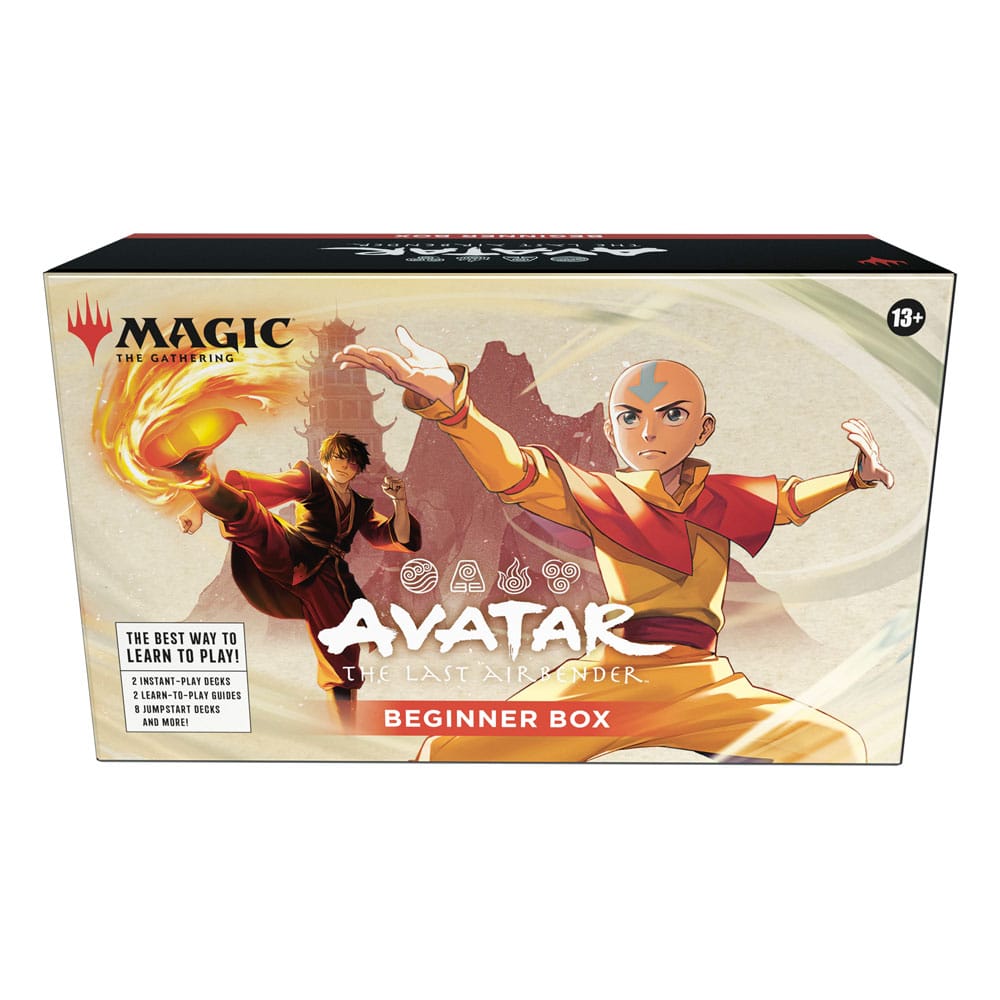
Team Avatar is back! The action, adventure, and spirit of Avatar: The Last Airbender awaken in Magic: The Gathering. Master new mechanics Earthbending, Airbendending, Waterbending and Firebending to tell your version of the story and discover your Magic playstyle. Bend the elements. Master the game. Your Magic: The Gathering journey begins with a friend beside you! Play your very first game in a guided battle of Aang versus Zuko. Choose your side and send your forces to your opponent while learning essential gameplay lessons. Then, once you've conquered the basics, master the remaining elements with Avatar: The Last Airbender-themed decks-just combine two packs and you're ready to go! Contents: 2 instant-play decks 2 learn-to-play guides 1 rules reference guide 2 playmats 8 Themed decks 2 Spindown™ life counters
Couldn't load pickup availability
We’ll email you as soon as this option is back in stock.
Thistle Tavern isn't just a shop; it's a hub for the TCG community across Scotland. Run and operated by active players, we are dedicated to building and supporting local gaming scenes in Aberdeen and Edinburgh. Every product we sell helps fund local events, player meetups, and the growth of the games we love. When you shop with us, you're supporting a team that's as passionate about the local meta as you are.
Player-Owned & Operated
Supporting Scottish Metas
Community-Driven Events
Support for Every Planeswalker
From Commander nights to local drafts, Magic: The Gathering is a fundamental part of our community in Aberdeen and Edinburgh. Thistle Tavern is run by players who have been planeswalking for years, and we're committed to supporting the diverse MTG scene across Scotland.
Player-Run MTG Stock
Commander & Casual Focus
Decades of Game Experience
Community Feedback
We're proud to support the local TCG scene. Read reviews from the players who make our community great.
4.79 ★ (299)
Verified
Choosing a selection results in a full page refresh.
Opens in a new window.
PayPal Pay Later Messaging
Step 1: Choose message placement
Click the button below and then hover over your page to select a placement.
Step 2: Paste and save
You have copied the placement for the Product Page.
Go back to the App Embeds section, and in the Paypal Advanced Settings, paste the copied value into the
Product Page field and click the 'Save' button in the top right corner.