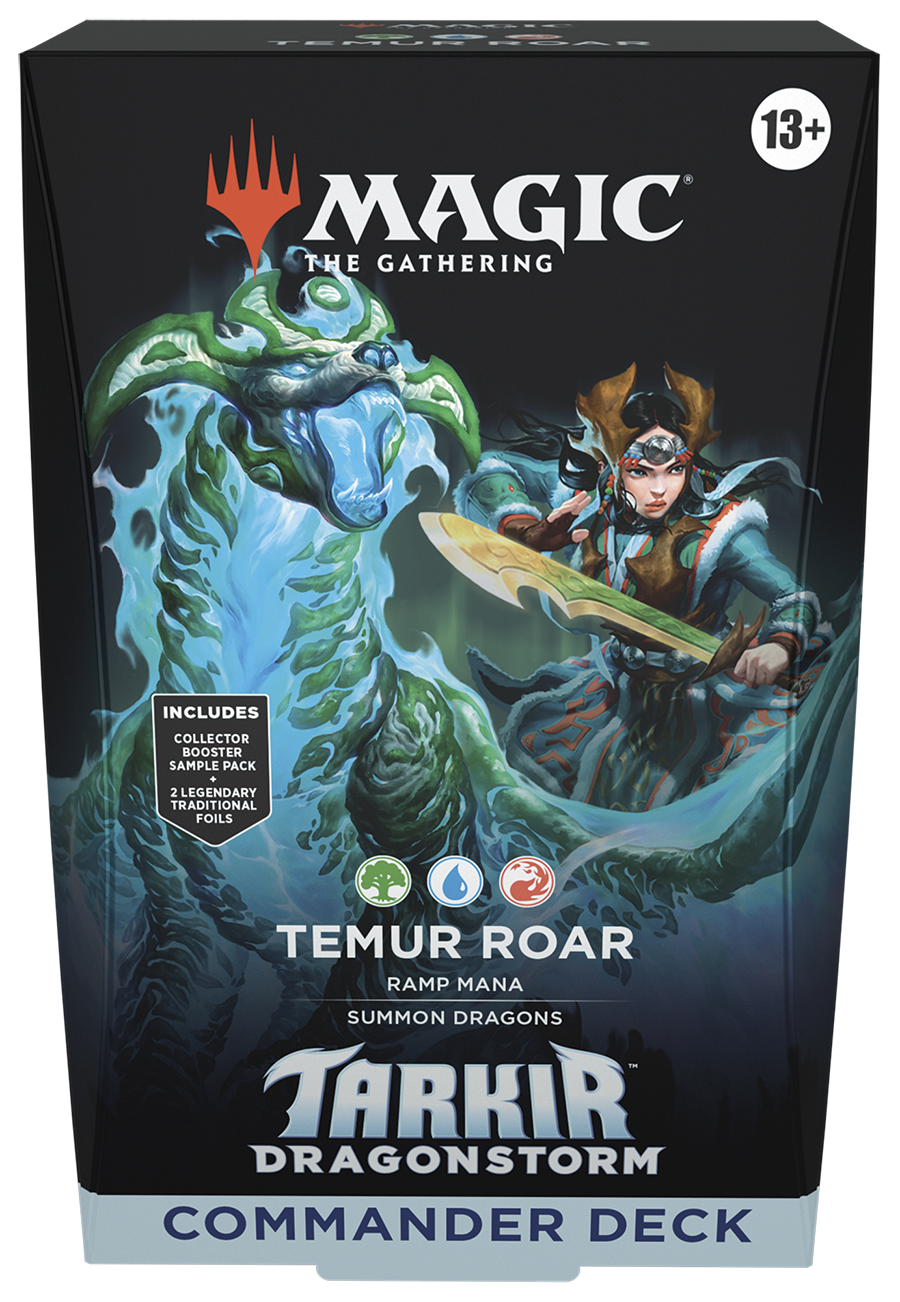
Tarkir faces a full-scale draconic assault, pitting clan against clan and all of civilization against a maelstrom of wings, claws, and fire. Choose one of five clans and discover your favourite way to play, then master the fearsome Dragonstorms and summon dragons of your own to rain down fiery devastation!
In Commander, four players come together to show their strength and strategy, with one player coming out on top. Each 100-card ready-to-play Tarkir Dragonstorm Commander Deck makes it easy for Commander fans in your store to grab a deck and play right away.
Features: • The five clans of Tarkir are back: Azban Armour, Jeskai Striker, Sultai Arisen, Mardu Surge, and Temur Roar. Discover which clan fits your playstyle with distinct three-color gameplay. • Commander is a multiplayer way to play Magic, an epic, free-for-all battle full of strategic plays and social intrigue. • Each Commander Deck comes with a 2-card Collector Booster sample pack.
Contents: • 1 x 2-card Collector Booster Sample Pack • 1 x 100 Card Ready to play Deck • 10 x Double-sided Tokens • 1 x Deck Box
Abzan Armor - Sold out
Sultai Arisen - Sold out
Jeskai Striker - Sold out
Mardu Surge - Sold out
Temur Roar - Sold out
Couldn't load pickup availability
We’ll email you as soon as this option is back in stock.
Buy factory-sealed Pokémon, Magic: The Gathering, and more booster boxes with total peace of mind. Sourced directly from official distributors with original factory shrink wrap intact.
100% original factory shrink wrap guaranteed
Locked pre-order pricing — pay in full with no price increases
Fast UK & International shipping with daily weekday collections
Collector & Player Ratings
Factory Sealed TCG & Pre-Orders FAQ
When are pre-ordered products dispatched?
Pre-orders are shipped on the official day of release in accordance with publisher guidelines. Price lock guaranteed on all paid pre-orders.
When will my order be dispatched?
We ship orders ASAP with daily weekday collections for fast UK and International delivery.
Choosing a selection results in a full page refresh.
Opens in a new window.
PayPal Pay Later Messaging
Step 1: Choose message placement
Click the button below and then hover over your page to select a placement.
Step 2: Paste and save
You have copied the placement for the Product Page.
Go back to the App Embeds section, and in the Paypal Advanced Settings, paste the copied value into the
Product Page field and click the 'Save' button in the top right corner.