Ultimate Guard'sSidewinder 133+ Xenoskinis a premium TCG deck box offering exceptional card protection with its durable Xenoskin material, microfiber inner lining, and strong magnetic closure—all while providing easy and convenient access to the cards inside. With room for 133 double-sleeved cards in Ultimate Guard sleeves*, the Sidewinder 133+ Xenoskin is the perfect MTG deck box for Magic: The Gathering's Commander/EDH format, offering extra space for additional cards and tokens. Designed to combine with Ultimate Guard's Omnihive and Superhive mass storage boxes.
*Designed for Ultimate Guard sleeves. Sleeves from other brands may affect the capacity.
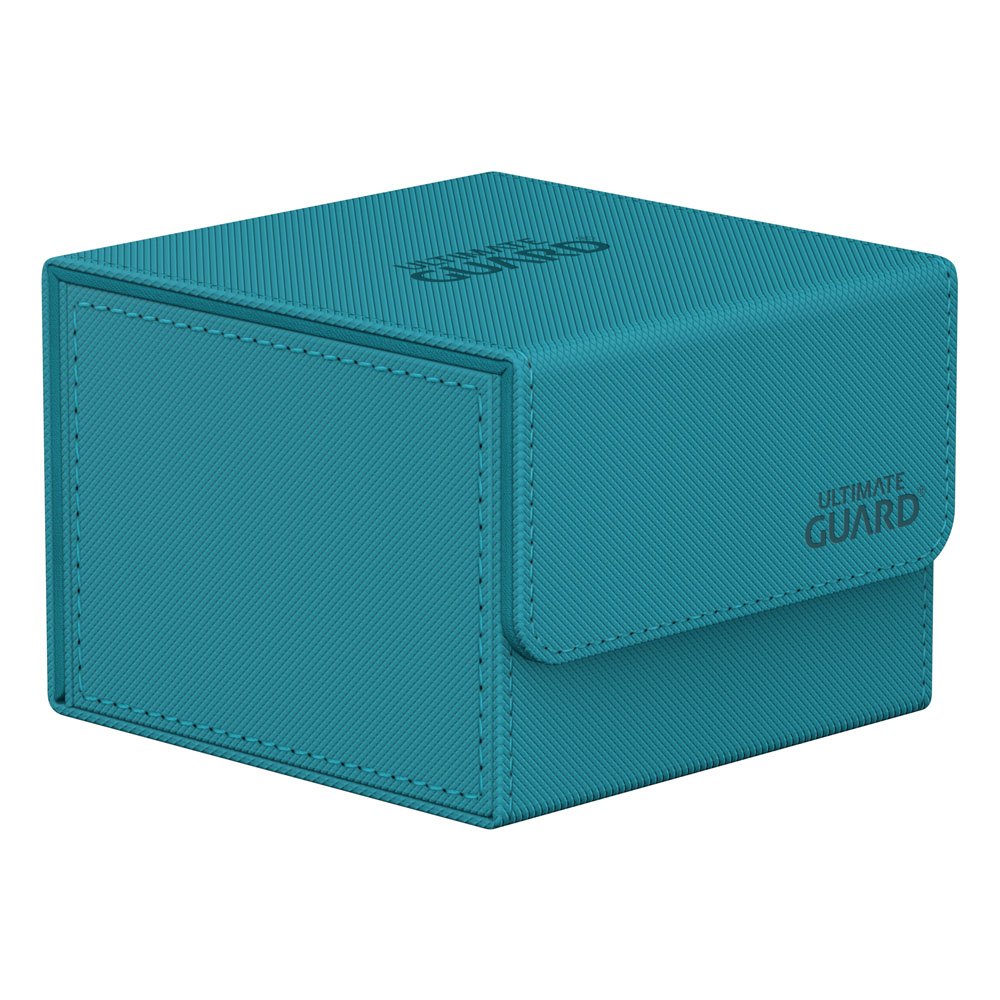
Designed for 133 double-sleeved cards in Ultimate Guard sleeves
Resistant Xenoskin material
Strong magnetic closure
Quality microfiber inner lining
Modular design to combine with Ultimate Guard products
Couldn't load pickup availability
We’ll email you as soon as this option is back in stock.
Thistle Tavern isn't just a shop; it's a hub for the TCG community across Scotland. Run and operated by active players, we are dedicated to building and supporting local gaming scenes in Aberdeen and Edinburgh. Every product we sell helps fund local events, player meetups, and the growth of the games we love. When you shop with us, you're supporting a team that's as passionate about the local meta as you are.
Player-Owned & Operated
Supporting Scottish Metas
Community-Driven Events
Premium TCG Accessories
Protecting your collection is as important as building it. At Thistle Tavern, we use the same Ultimate Guard, deck boxes, and sleeves we sell. We ensure our players in Aberdeen and Edinburgh have access to the highest quality accessories to keep their decks safe during every local tournament.
Tournament-Grade Accessories
Tested by Active Players
Premium Protection Selection
The Tavern Talk
Word of mouth is everything in a local meta. Hear directly from the players who visit us in Edinburgh and Aberdeen.
4.80 ★ (263)
Verified
Choosing a selection results in a full page refresh.
Opens in a new window.
PayPal Pay Later Messaging
Step 1: Choose message placement
Click the button below and then hover over your page to select a placement.
Step 2: Paste and save
You have copied the placement for the Product Page.
Go back to the App Embeds section, and in the Paypal Advanced Settings, paste the copied value into the
Product Page field and click the 'Save' button in the top right corner.